
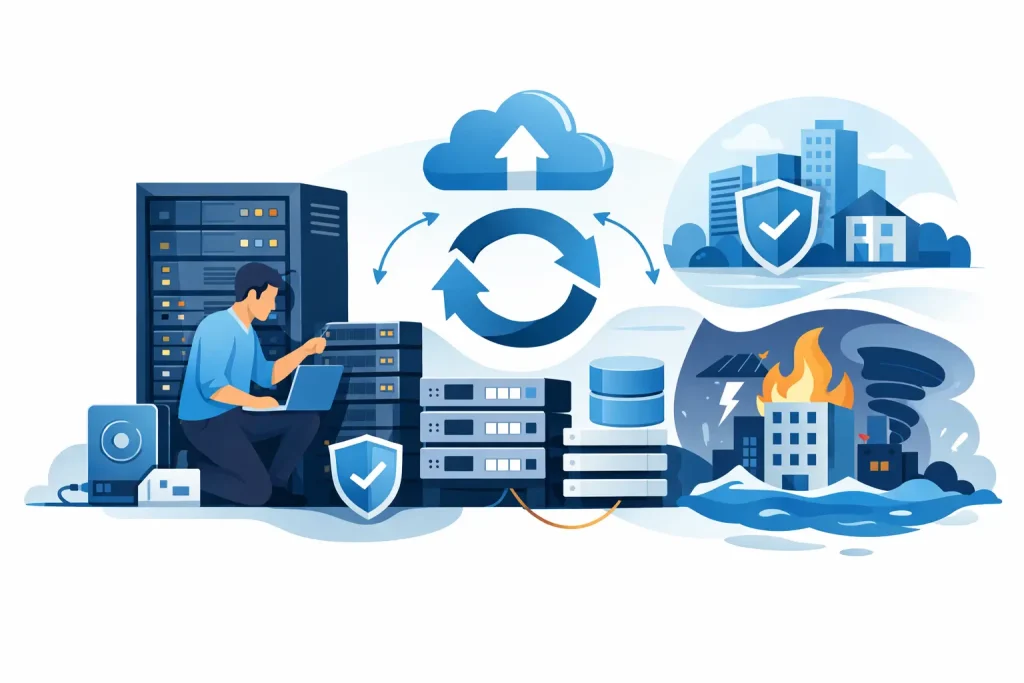
A recovery plan is only as credible as the equipment available when a core system fails. Business continuity hardware planning gives IT and procurement teams a practical way to keep essential applications, data, connectivity, and employee productivity running through hardware faults, site disruptions, and unexpected demand.
For many organizations, the exposure is not a lack of backup software. It is a single aging server, undersized storage, an unsupported network switch, or a replacement part that cannot be sourced quickly enough. The right plan identifies those dependencies before they interrupt operations, then aligns procurement with measurable recovery requirements.
Start With the Services That Cannot Stop
Planning should begin with business services, not a product catalog. Identify the systems that directly affect revenue, customer commitments, regulatory obligations, and internal operations. This may include ERP platforms, line-of-business databases, file services, communication tools, virtualization hosts, security systems, and remote-access infrastructure.
For each service, establish two operational targets. The recovery time objective defines how long the service can be unavailable. The recovery point objective defines how much data loss is acceptable. A customer-facing transaction database may require recovery within minutes and minimal data loss, while an archive system may tolerate a longer restoration window.
These targets determine the hardware approach. A service that must return quickly needs more than a backup copy. It may require redundant server capacity, replicated storage, a secondary site, or a preconfigured standby platform. Less critical workloads can often be protected through tested backup storage and documented replacement procedures, helping control cost without treating every system as mission-critical.
Map Hardware Dependencies Before Buying
A useful business continuity plan documents the full equipment chain behind each priority workload. Servers are only one part of the picture. Storage arrays, network switches, firewalls, power protection, racks, transceivers, cables, and management tools can all become single points of failure.
Consider a virtualized environment with several applications running on a cluster. The host servers may be redundant, but the environment can still fail if all hosts depend on one storage controller or one core switch. Likewise, a replacement server has limited value if compatible memory, RAID controllers, network adapters, or drive trays are unavailable when needed.
This is where asset records matter. Track model numbers, serial numbers, warranty status, firmware versions, installed configurations, support end dates, and vendor compatibility requirements. A current inventory makes it easier to identify aging equipment and source the correct replacement hardware without delay.
Look for Single Points of Failure
Single points of failure are not always obvious. A branch office may have two internet connections but only one firewall. A server room may have redundant power supplies but both connected to the same UPS. A business may replicate data to another location but rely on one administrator account to access the recovery environment.
Addressing every risk can be expensive, so rank weaknesses by business impact and likelihood. The goal is not to duplicate every device. It is to remove unacceptable points of failure from critical operations and create clear alternatives for the rest.
Choose the Right Continuity Hardware Strategy
There is no single architecture for every organization. The appropriate model depends on workload criticality, budget, available IT skills, physical locations, and the speed at which systems must be restored.
A small organization with a limited number of essential applications may use a high-performance server with redundant power supplies, RAID-protected storage, an on-site backup appliance, and validated off-site backup copies. This can provide a sensible balance of recovery capability and cost when downtime of several hours is acceptable.
A growing company with virtualized workloads may benefit from multiple server hosts, shared or hyperconverged storage, redundant switching, and replication to a secondary environment. This approach supports better availability and simplifies recovery when one host or storage component fails, although it requires careful sizing and compatible infrastructure.
For enterprise operations with strict recovery targets, a dedicated disaster recovery site or colocated recovery environment may be justified. Hardware capacity at the recovery location must be sufficient for the applications that need to run there. It is not enough to replicate data if the secondary environment cannot support production workloads during an incident.
Size for Recovery, Not Just Normal Use
Recovery hardware is commonly undersized because it is viewed as equipment that sits idle. But when a disruption occurs, it may need to carry the most important parts of the business. Calculate the CPU, memory, storage capacity, IOPS, and network throughput required for prioritized applications under recovery conditions.
It may be acceptable to run noncritical systems at reduced performance while recovering. However, core platforms should have enough headroom to support realistic transaction volumes, user access, and data restoration activity at the same time. Storage performance is particularly important because recovery can place heavy demand on disks, controllers, and network links.
Build Resilience Into Servers, Storage, and Networking
Enterprise-grade hardware features support continuity when they are selected and configured correctly. Redundant power supplies, hot-swappable drives, error-correcting memory, remote management, multiple network paths, and vendor-supported RAID configurations all reduce the impact of individual component failures.
For servers, prioritize platforms that support the required memory growth, processor capacity, network interfaces, and storage expansion over the expected lifecycle. A low initial purchase price can become costly when a system cannot accommodate a new workload, additional virtual machines, or upgraded network speeds.
For storage, assess usable capacity as well as resilience and performance. Factor in RAID overhead, snapshots, replication, backup retention, future data growth, and the time required to rebuild failed drives. A storage system that is nearly full has less room for recovery operations and can create performance issues at the worst possible time.
Network planning should include redundant uplinks where required, compatible switch capacity, spare optics, and configuration backups. A replacement switch is not immediately useful if its VLANs, access controls, and routing policies cannot be restored quickly. Keep current, protected copies of device configurations and validate the restoration process.
Plan Spares, Support, and Replacement Lead Times
A continuity plan needs a clear answer to a simple question: what happens if a component fails at 2:00 a.m. on a weekend? The answer may be a vendor support contract, on-site spare parts, a preconfigured replacement unit, or a trusted supplier that can source compatible equipment quickly. Often, it is a combination of these options.
Keep strategic spares for components with high failure impact and long replacement lead times. Common examples include compatible drives, power supplies, network modules, transceivers, RAID controllers, and spare network equipment for critical locations. The right spare inventory depends on your installed base. Holding parts for every device is unnecessary, but waiting days for a proprietary component can turn a manageable outage into a major operational event.
When procuring replacements, confirm exact compatibility rather than relying on broad product descriptions. Firmware levels, drive types, rail kits, memory specifications, and network interface requirements can affect deployment. Authorized, brand-supported hardware reduces uncertainty and helps preserve support eligibility.
Test the Hardware Recovery Process
Continuity planning fails when it remains a document. Schedule recovery tests that verify equipment, configurations, access credentials, backup integrity, and staff responsibilities. A test should answer whether the business can actually restore the selected workloads within the stated recovery time objective.
Test more than file restoration. Simulate a failed host, unavailable storage path, switch replacement, or loss of a primary site. Record how long each step takes, where decisions are delayed, and which dependencies were missed. Use those findings to refine hardware capacity, spare holdings, documentation, and support arrangements.
Planned tests also reveal a common issue: recovery equipment has not received the same firmware updates, monitoring, security controls, or configuration changes as the primary environment. Treat standby systems and recovery infrastructure as operational assets, not forgotten inventory.
Make Procurement Part of Continuity Planning
Hardware continuity decisions should involve IT, operations, finance, and procurement early. IT teams define technical dependencies and recovery targets. Operations leaders set the business impact of downtime. Procurement teams secure approved sources, budgets, warranties, and replacement options before a crisis creates urgency.
A trusted IT supplier can help validate configurations across servers, storage, workstations, networking, and enterprise accessories, especially when organizations are refreshing older infrastructure or expanding into new locations. EDRC Global supports this process with enterprise hardware from recognized brands and practical assistance in matching equipment to operational requirements.
The most effective plan is one that turns risk into specific purchasing decisions: which systems need redundancy, which parts should be kept on hand, what support level is required, and when aging equipment must be replaced. When those decisions are made ahead of an incident, recovery becomes a controlled operational process rather than a race to locate critical hardware.