
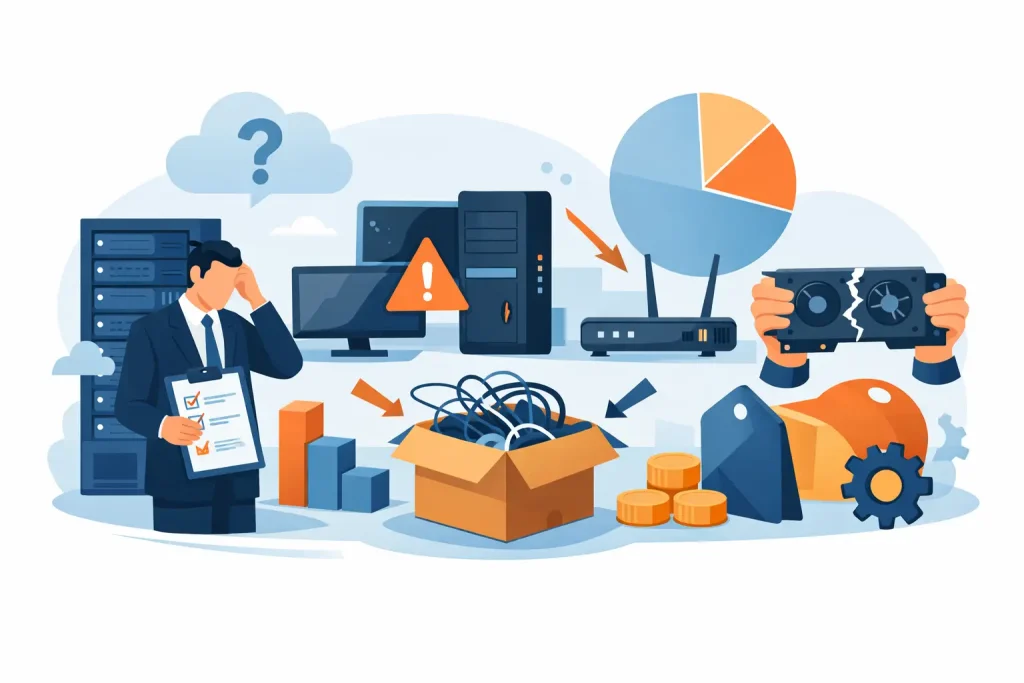
A server purchase that looks economical on a quotation can become expensive within months if it cannot support the next application rollout, integrate with existing systems, or receive timely replacement parts. Enterprise hardware buying mistakes rarely come from choosing a recognizable brand. They happen when procurement decisions are made without validating the full operating requirement behind the product.
For IT managers and procurement teams, the right purchase is not simply the lowest unit price. It is equipment that performs reliably, fits the environment, remains supportable, and gives the organization room to grow. The following mistakes are common across servers, workstations, storage, switches, and related enterprise accessories – and each can be avoided with a more disciplined buying process.
1. Buying for today’s workload only
Hardware is often specified against current utilization: current virtual machines, current file storage, current number of users, or current design workloads. That approach can produce a configuration that works on day one but reaches its limits when the business adds staff, launches a new service, or increases data retention requirements.
Capacity planning does not mean overbuying every component. It means identifying which resources are most likely to become constraints. For a virtualization host, processor cores, memory capacity, storage IOPS, and network throughput all matter. For an engineering workstation, the balance between CPU, GPU, RAM, and fast local storage is more relevant than a single headline specification. A switch may have enough ports today but lack the uplink speed or power budget required for the next phase.
Ask for projected requirements over the next three to five years, then select a platform with practical expansion options. Additional memory slots, open drive bays, scalable storage shelves, redundant power supplies, and available network expansion can protect the initial investment without forcing an unnecessary premium on day one.
2. Comparing quotations by price alone
Two quotations can appear comparable while representing very different systems. One may include enterprise-grade drives, redundant power, a longer warranty, rail kits, validated firmware, and proper licensing. Another may omit critical components or use a configuration that is less suitable for continuous business operation.
A lower acquisition price can also conceal operational costs. A storage system with insufficient performance may slow critical applications. A workstation without the right certified graphics capability can delay technical teams. A server with limited expansion may require replacement rather than an upgrade sooner than expected.
Compare complete configurations, not model names. Confirm processor generation, memory type and speed, drive class, RAID or controller specification, network interfaces, power redundancy, included accessories, warranty coverage, and software licensing. Procurement teams should request a clear bill of materials so IT can verify that every quoted component supports the intended workload.
3. Treating compatibility as an afterthought
Enterprise infrastructure is an ecosystem. New hardware must work with operating systems, hypervisors, backup software, business applications, network standards, racks, power systems, and security policies already in place. Assuming compatibility because products carry respected brand names is a frequent and avoidable risk.
For example, a server may require specific driver or firmware versions for stable operation with a chosen hypervisor. A storage upgrade may not deliver expected performance if the existing network is limited by older switches or cabling. A new workstation may need application-certified graphics drivers rather than a consumer-oriented GPU configuration.
Before ordering, document the current environment and validate the intended design. This includes physical requirements such as rack space, power connectors, cooling capacity, cable lengths, and available ports. It also includes logical requirements: supported operating systems, virtualization platforms, backup targets, authentication methods, and management tools. Compatibility checks take far less time than troubleshooting an installation after delivery.
4. Underestimating support, warranty, and parts availability
Hardware support is easy to overlook until a failed drive, power supply, or network module affects business operations. When systems support finance, customer services, production, or core applications, downtime is not a technical inconvenience. It has a direct operational cost.
Buyers should understand what support is included and what response level the business needs. A standard return-to-depot warranty may be acceptable for a noncritical workstation. It may not be appropriate for a production server or storage platform where a replacement part must be available quickly. The right level depends on workload criticality, internal IT capability, redundancy in the design, and the organization’s recovery objectives.
Authorized sourcing matters here. It helps ensure genuine equipment, valid manufacturer warranty coverage, and access to the correct components. A trusted IT supplier can also advise on spare parts, compatible upgrades, and lifecycle support. EDRC Global’s experience with enterprise platforms helps buyers move beyond a basic product selection toward a supportable infrastructure decision.
5. Choosing consumer-grade components for business-critical use
Consumer hardware can be attractive because the initial specification looks strong for the price. However, business-critical environments often need features that are not visible in a basic comparison: error-correcting memory, enterprise SSD endurance, remote management, redundant power, hot-swappable drives, longer validation cycles, and vendor-certified configurations.
This does not mean every business needs the most advanced enterprise system. A small office with light workloads may be well served by an entry-level server or professional desktop. The mistake is using equipment designed for intermittent personal use in a role that demands predictable availability, centralized management, or data protection.
Match the hardware class to the business impact of failure. Production databases, virtualized workloads, surveillance retention, engineering applications, and shared business storage typically justify enterprise-grade components. For less critical workloads, organizations can control costs by selecting a right-sized commercial platform rather than paying for features they will never use.
6. Ignoring the network and storage performance chain
Organizations sometimes upgrade a server and expect applications to become faster, only to discover that the real bottleneck sits elsewhere. Compute, storage, and networking must be evaluated as a connected system. Fast processors cannot compensate for slow disks, saturated uplinks, poorly configured storage tiers, or inadequate network switching.
Storage decisions require particular care. Capacity is only one measure. Consider the required read and write performance, latency, data growth rate, protection method, backup window, and recovery requirements. A high-capacity configuration may be suitable for archives but unsuitable for virtual machines or transaction-heavy databases. Similarly, moving to faster storage may have limited value if the network cannot carry the required throughput.
Ask technical stakeholders where users experience delays and review actual utilization data where possible. This helps determine whether the investment should go toward memory, faster storage, additional network capacity, a more capable switch, or a redesigned backup process. A complete infrastructure view prevents expensive upgrades that solve the wrong problem.
7. Skipping lifecycle and deployment planning
The purchase order is not the end of the project. Hardware must be received, inventoried, installed, configured, secured, monitored, backed up, and maintained. Teams that skip this planning can face delays caused by missing rails, transceivers, cables, licensing, rack capacity, or deployment resources.
Lifecycle planning should also address firmware management, warranty expiration, spare equipment, asset records, secure disposal, and refresh timing. Standardizing on supported platforms from established vendors such as HP, Dell, and Lenovo can simplify management across multiple sites, provided the selected configurations are consistent with the organization’s standards.
Build the deployment plan before finalizing the order. Confirm who will install the equipment, how data will be migrated, what rollback options exist, and when the change can be performed with minimal disruption. Include required accessories and services in the original procurement scope rather than treating them as last-minute additions.
A better way to make the purchase decision
The most reliable enterprise hardware purchases begin with a short, clear requirements brief. Define the workload, performance target, growth expectation, availability requirement, integration needs, and budget range. Then have IT and procurement review a complete proposed configuration together, including support and deployment requirements.
The best value is rarely the cheapest system or the most heavily specified one. It is the hardware that gives your organization dependable performance, verified compatibility, and a practical path for growth. Buy with the next operating challenge in mind, and the equipment will remain an asset long after the initial invoice is approved.