
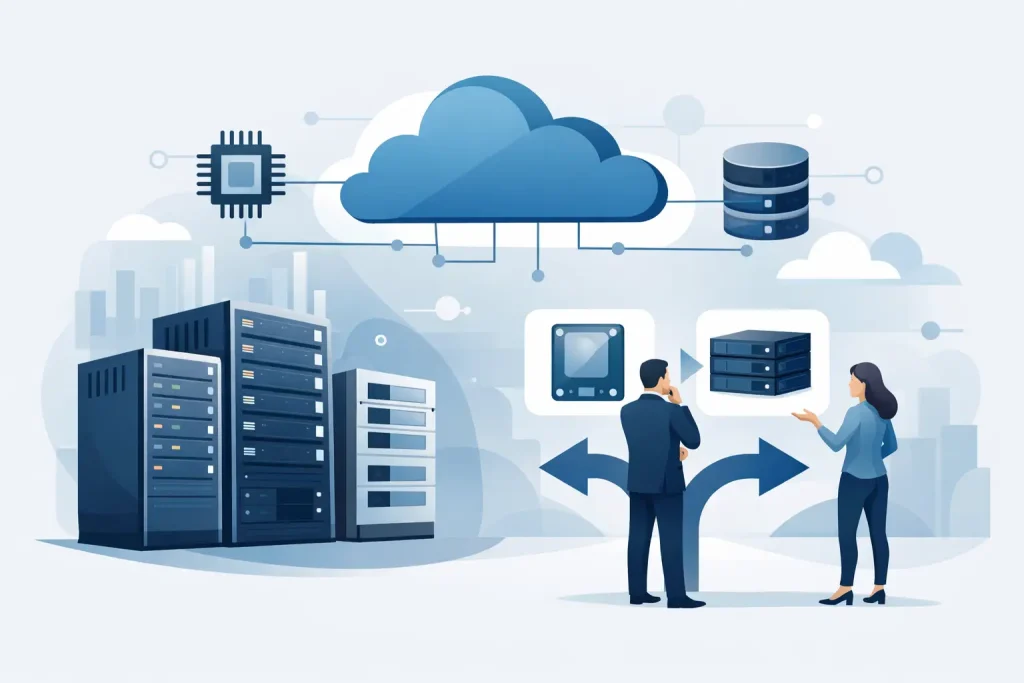
A storage refresh usually starts with a simple question and turns into a much bigger one. You are not just buying capacity. If you are figuring out how to choose enterprise storage, you are deciding how your business will handle growth, protect data, support applications, and avoid costly disruption over the next several years.
That is why the right decision rarely comes from comparing terabytes alone. Enterprise storage has to fit the workload, the recovery requirements, the performance profile, and the budget model your organization can actually sustain. For IT teams and procurement leaders, the most effective approach is to start with business use, then work backward into architecture, media type, scalability, and vendor support.
How to choose enterprise storage based on real workload needs
The first mistake many organizations make is sizing storage around total data volume instead of application behavior. Two environments with the same raw capacity can have very different requirements. A virtualized environment with mixed workloads, a database platform with high transaction rates, a video archive, and a file-sharing environment will all put different pressure on storage.
Start by asking what the storage will support day to day. If your users depend on ERP, database queries, virtual desktops, or analytics platforms, latency and IOPS matter far more than headline capacity. If you are storing surveillance footage, backups, or large design archives, throughput and cost per terabyte may matter more than very low latency.
This is where many buying decisions become clearer. All-flash storage is often the right fit for performance-sensitive applications, but it may be unnecessarily expensive for cold data or long-term retention. Hybrid arrays can offer a practical middle ground when you need a balance of speed and cost. Traditional disk-based systems still have a place, especially where capacity-heavy workloads are predictable and performance demands are moderate.
Define performance before you compare platforms
When buyers skip performance planning, they often end up overbuying or underbuying. Neither is a good outcome. Overbuying ties up budget in capacity or speed you may never use. Underbuying creates bottlenecks that affect users, applications, and service levels.
Focus on a few measurable points. Look at IOPS, latency, throughput, read-write mix, block size, and concurrency. Also consider whether your workloads are stable or bursty. A storage platform that performs well under steady load may struggle during month-end reporting, backup windows, or peak transaction periods.
It also helps to think beyond current performance. If your storage supports virtualization, database expansion, or new business applications, today’s acceptable speed may become tomorrow’s constraint. Choosing a system with performance headroom is usually more cost-effective than replacing an undersized platform too early.
Capacity planning is about growth, not just current usage
A common procurement trap is buying for the current footprint with very little room to expand. That can create another purchasing cycle far sooner than expected. Enterprise storage should be sized around realistic growth over a defined period, usually three to five years, while leaving space for changes in backup policies, compliance retention, and new workloads.
Raw capacity is only part of the picture. You also need to account for usable capacity after RAID or data protection overhead, snapshots, replication, deduplication, compression, and free space needed for healthy performance. A system advertised at a certain capacity may deliver much less usable space in production depending on how it is configured.
Good planning means modeling best-case and likely-case growth scenarios. If your organization expects expansion, acquisitions, more users, or heavier data retention requirements, those factors should be reflected before you issue a purchase order.
Availability and data protection should shape the decision
Storage downtime is not just an IT issue. It affects operations, customer service, internal productivity, and in some sectors, regulatory exposure. That is why resilience should be a core part of how to choose enterprise storage, not an afterthought.
Start with recovery expectations. How much downtime can the business tolerate, and how much data can it afford to lose? Those answers help define your recovery time objective and recovery point objective, which then influence whether you need snapshots, replication, dual-controller architecture, failover capabilities, or integration with backup and disaster recovery platforms.
For some organizations, local redundancy is enough. For others, especially those running critical applications or multiple sites, replication across locations is essential. The right design depends on business risk, not just technical preference.
Security should also be part of the conversation. Encryption at rest, role-based access controls, secure management, auditability, and ransomware-aware recovery options are increasingly relevant. A storage system that performs well but leaves gaps in data protection can create much greater cost later.
How to choose enterprise storage that scales cleanly
Scalability sounds straightforward until the business actually grows. Some platforms scale up well but become expensive or restrictive once you hit controller or shelf limits. Others scale out more flexibly but may introduce complexity that smaller IT teams do not want to manage.
The right question is not simply whether the storage can grow. It is how it grows. Can you add capacity without disruption? Can you increase performance independently of capacity? Will expansion require forklift upgrades, major migration work, or downtime windows that are hard to schedule?
This matters especially for organizations standardizing infrastructure across branches, departments, or application environments. A platform that supports modular expansion and straightforward management can reduce both operational risk and long-term procurement cost.
Integration matters more than product specs alone
Storage does not operate in isolation. It has to work well with your servers, hypervisors, operating systems, network architecture, backup software, and monitoring tools. A technically strong product can still be the wrong fit if it creates compatibility issues or management overhead.
Before selecting a platform, confirm how it fits into your existing environment. Check protocol support such as SAN, NAS, or unified storage requirements. Review connectivity options, including Fibre Channel, iSCSI, or Ethernet-based designs. Consider whether your team needs simple centralized administration or more advanced policy-based automation.
In many cases, standardizing around trusted enterprise vendors can simplify support, firmware alignment, and future expansion. For business buyers, that can translate into faster deployment and fewer post-purchase surprises.
Balance acquisition cost with total value
Price always matters, but the lowest purchase cost is not always the best commercial decision. Enterprise storage should be evaluated on total value over its lifecycle. That includes support contracts, power and cooling, rack space, media efficiency, management time, upgrade paths, and the cost of downtime if the platform underperforms.
This is where trade-offs are real. An all-flash solution may carry a higher upfront price but reduce application delays, administration effort, and infrastructure sprawl. A lower-cost system may appear attractive initially but become expensive if it lacks scalability or requires replacement sooner than planned.
Procurement teams should also examine the quality of vendor and partner support. Enterprise storage is not a commodity purchase. Access to authorized products, correct sizing, and responsive technical guidance can prevent specification errors that cost much more than any initial savings. For organizations sourcing infrastructure in the UAE, working with an experienced procurement partner such as EDRC Global can simplify vendor selection and help align the solution with both technical and commercial priorities.
Choose support and service levels carefully
Storage decisions are often judged long after deployment. When an issue occurs, the quality of support becomes visible very quickly. That is why service responsiveness, replacement times, firmware guidance, and escalation paths deserve serious attention during evaluation.
A platform backed by strong manufacturer support and knowledgeable presales guidance is generally a safer investment than a product chosen only on specification sheets. This is especially true for organizations with lean IT teams that need confidence in implementation and ongoing maintenance.
Ask practical questions. What is the warranty structure? What support tiers are available? How quickly can failed components be replaced? Is expert assistance available for sizing, migration, and lifecycle planning? Those answers influence business continuity just as much as technical features do.
Make the decision with a clear framework
The most reliable way to evaluate storage is to rank options against business requirements, not marketing claims. Define the workload, project growth, set performance expectations, map resilience needs, confirm integration, and compare lifecycle value. Once those criteria are clear, the shortlist usually becomes much easier to manage.
The best enterprise storage choice is rarely the most expensive model or the one with the longest feature list. It is the one that gives your business the right mix of performance, protection, scalability, and support without creating unnecessary cost or complexity.
A good storage platform should make growth easier, not force another difficult decision too soon.